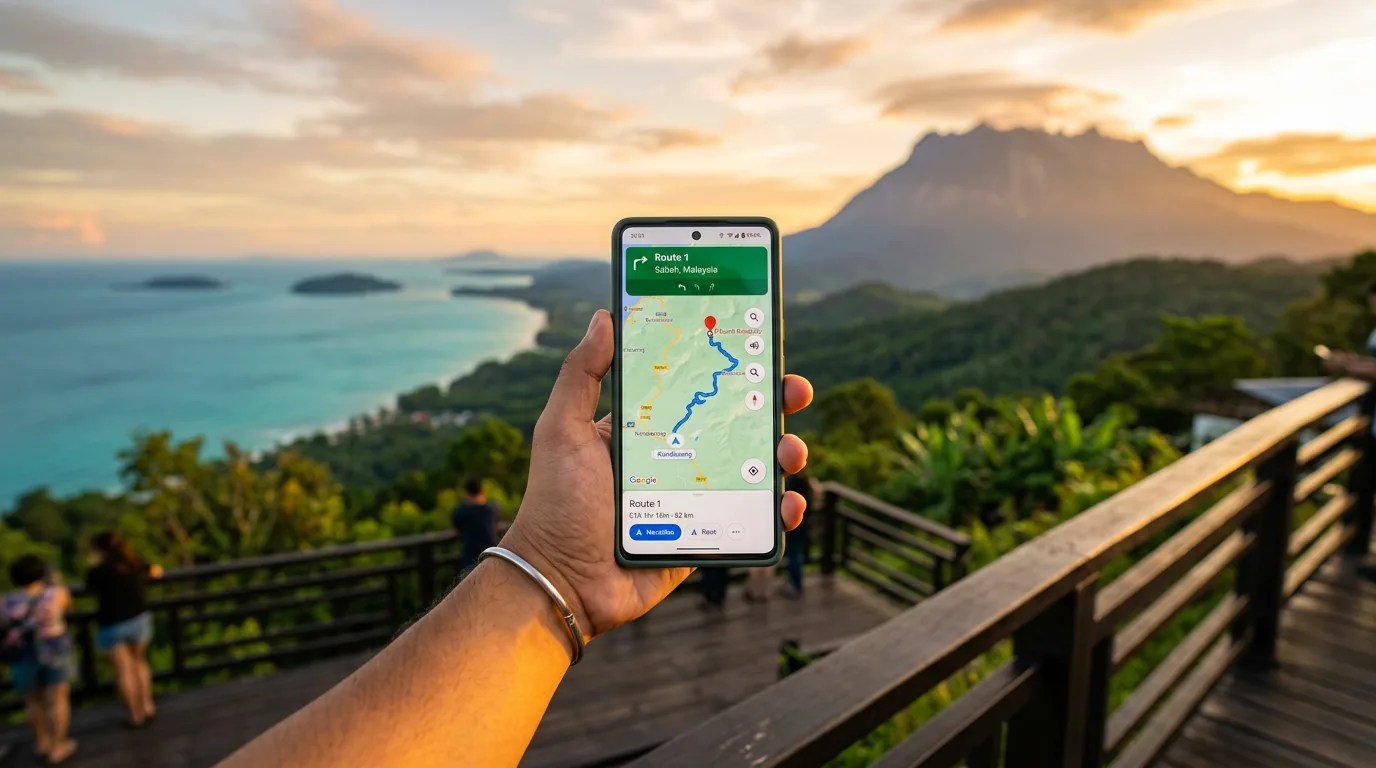
Essential Apps & SIM Cards for Travelling in Sabah
✅ Verified 6 October 2026
Sabah is well-connected for tourists, but coverage varies by location. This guide covers mobile networks, SIM options, WiFi, essential apps, and payment methods. Whether you're in Kota Kinabalu's 5G zones or on a jungle trek, plan accordingly.
Pro Tip
Get a local tourist SIM when you land. A 7-day pass costs RM15–RM25 (operator prices checked 6 October 2026) and is usually far cheaper than roaming.
Mobile Network Carriers
Malaysia has three big mobile operators selling tourist SIMs: CelcomDigi (Celcom and Digi merged in 2022 and now sell one tourist SIM), Maxis (its prepaid brand is Hotlink) and U Mobile. All three need your passport to register.
Tourist SIM prices (checked 6 October 2026)
| Operator | Tourist pass | Price | Validity |
|---|---|---|---|
| CelcomDigi | Unlimited Tourist Pass | RM25 / RM35 / RM60 / RM90 | 7 / 14 / 30 / 90 days |
| Hotlink (Maxis) | Travel SIM | RM25 / RM35 / RM64 | 7 / 15 / 30 days |
| U Mobile | ULTRA Tourist Plan (100GB) | RM15 | 7 days |
Sources: CelcomDigi Tourist SIM (every pass adds an RM5 SIM activation fee), Hotlink Travel SIM FAQ, U Mobile press release. Operators change tourist offers often, so check the link before you buy.
SIM Registration Rules
Bring your original passport to register. CelcomDigi allows a maximum of two tourist accounts per passport (CelcomDigi FAQ). Reload through the operator's app or at convenience stores.
Tourist SIM Options
Physical SIM at the airport (simplest)
- Where to buy — CelcomDigi has a CelcomDigi Express counter in the Kota Kinabalu International Airport arrival hall (per CelcomDigi); other operators sell through their stores and dealers in town
- What to bring — Your passport and cash or a card
- Best for — Anyone who wants a local number for Grab, hotels and tour operators
eSIM (digital SIM)
- Providers — Holafly, Airalo, Saily and similar apps sell Malaysia eSIMs; compare prices in the app before you fly
- Advantage — No SIM card swap, and you can set it up before you land
- Disadvantage — Usually data only, with no Malaysian phone number for calls
- Activation — Install the provider's app, buy a plan, scan the QR code, switch it on in your phone settings
5G & 4G Coverage
Sabah Coverage Map
- 5G coverage — 68.9% of populated areas as at 31 May 2026 (Communications Ministry, reported by Bernama). Strongest around Kota Kinabalu and other towns
- Internet coverage — 98.71% of populated areas as at 28 February 2026 (Sabah state government, reported by Nabalu News). Gaps remain in the interior and on some islands
By Location
- Kota Kinabalu city and towns — 4G everywhere, 5G in parts of the city
- Rural roads and villages — Mostly 4G, with gaps in hilly areas
- Kinabalu trail and the interior — Patchy or no signal
- Islands off Semporna — Signal depends on the island; expect weak or no coverage on the outer islands
Coverage Reality Check
Even in "covered" areas, signal can drop due to weather or topography. Always download offline maps before venturing out of main cities.
WiFi Availability
Public & Commercial WiFi
- Kota Kinabalu Airport — WiFi is available in the terminal; speed varies, so download offline maps before you fly
- Hotels — Nearly all mid-range+ have free WiFi (3-star and up). Speed varies
- Shopping malls — Imago, Suria Sabah, Centre Point have free WiFi
- Cafes & restaurants — Common in KK (Starbucks, local chains). Password usually at counter
- Speed — Generally adequate for messaging, navigation, browsing. Slow for video calls/streaming
Remote WiFi Solutions
- Satellite internet at lodges — Some remote lodges now have it; ask before you book
- Portable WiFi router — Rentable, but the RoamingMan device on Klook is collected at KLIA in KL, not in KK
- Hotel hotspot — Most can provide a device if you book directly
Public WiFi Security
Coffee shop/mall WiFi is unencrypted. Use a VPN (ExpressVPN, ProtonVPN, NordVPN) before accessing bank accounts, email, or sensitive data.
Essential Apps by Category
Navigation (Download Offline Maps!)
- Google Maps — #1 choice. Download offline maps for regions before leaving WiFi. Works for walking, driving, public transport
- Waze — Most popular in Malaysia. Real-time traffic, local driver community. Requires internet
- Maps.me — Excellent offline maps (high detail, works without internet). Slower updates than Google
- iOverlander — Great for adventurers, shows hiking trails, campsites, water sources
Transportation
- Grab — Ride-hailing with the fare shown before you book. Also GrabFood delivery. The main way to get around KK
- Long-distance buses — Book via Easybook or direct operator websites (intercity travel)
- Taxi numbers — Save local taxi operator numbers; Grab sometimes unavailable in remote areas
Food & Dining
- GrabFood — Delivery across KK, good restaurant coverage, app-exclusive discounts
- FoodPanda — Alternative to Grab, similar coverage, sometimes better deals
- ShopeeFood — Delivers in Kota Kinabalu since July 2022 (Borneo Post)
Language & Translation
- Google Translate — Best overall. Download Malay offline pack for instant translation. Camera mode reads signs
- Offline dictionary — ITranslate, Microsoft Translator (offline packs available)
Weather & Emergency
- myCuaca — Official Malaysian meteorological app. Accurate, shows hourly forecasts, monsoon alerts
- AccuWeather — Global coverage, detailed forecasts
- Windy — Wind/storm tracking (useful for Kinabalu, water sports)
Travel & Booking
- AirAsia MOVE — Domestic/international flight bookings, seat selection, boarding passes
- Malaysia Airlines app — Official airline, rewards integration
- Agoda — Best for SE Asia accommodation. Cheap rates, instant booking confirmation, good customer service
- Booking.com — Global, reliable, good filter options
🗺 Navigation
- Google Maps Offline maps
- Waze Live traffic
- Maps.me Offline detail
🚗 Transport
- Grab Ride-hailing
- Easybook Long-distance
- Taxi local Save numbers
🍜 Food & Delivery
- GrabFood Delivery
- FoodPanda Delivery alt
- Sabah Eats Local gems
💬 Language
- Google Translate Malay pack
- ITranslate Offline
🌦 Weather
- myCuaca Official
- AccuWeather Details
- Windy Storm tracking
✈️ Travel Booking
- AirAsia MOVE Flights
- Agoda Hotels
- Booking.com Global
SabahGuide sabahguide.com
Digital Payments
Payment Methods That Work
- Apple Pay / Google Pay — Works at many larger merchants in KK with a foreign Visa or Mastercard
- Visa / Mastercard — Widely accepted in KK; Amex less so. Ask before paying if a surcharge applies
- Touch 'n Go eWallet — The most common QR payment app in Malaysia; check in the app whether your foreign phone number can register
- QR codes (DuitNow QR) — Very common at shops and stalls; you need a Malaysian eWallet or bank app to pay with them
- Cash (MYR) — Still essential for markets, taxis, street food. Withdraw at ATMs in batches
ATM & Currency Exchange
- ATM withdrawal — ATMs are easy to find in KK. Your home bank may charge a fee; when the ATM offers to convert to your home currency, decline and take ringgit
- Cash exchange — Compare the rate and any fee before you change money
- Sabah currency — Malaysia uses Malaysian Ringgit (MYR), often written RM.
Cash vs card by area
- KK malls, hotels and chain restaurants — Cards and phone payments usually fine
- Markets, kopitiams and street food — Bring cash
- Rural areas, islands and remote lodges — Cash is essential; ATMs can be far apart
Daily Cash Budget
Carry enough cash each day for markets, food stalls and small shops. Withdraw from an ATM near your accommodation in a few larger amounts rather than many small ones.
Offline & Low-Signal Tips
Before You Leave Connectivity
- Download offline maps — Google Maps, Maps.me (regions covering your itinerary). Test before leaving WiFi
- Screenshot important info — Addresses, phone numbers, hotel names, flight details
- Save emergency contacts — Embassy, travel insurance, local guides, hotel front desk
- Download translation packs — Google Translate Malay offline language
- Pre-download hotel WiFi password — Write down or screenshot
Power Management
- Activate Airplane Mode — Saves battery on mountain/island (signal drain is real)
- Enable low-power mode — Stretches your battery further
- Carry high-capacity power bank — 20,000 mAh minimum for multi-day treks
- Solar charger — Optional for long jungle trips
- Charging strategy — Charge fully each evening; assume no power on day treks
Communication Without Signal
- Satellite phone — For serious expeditions, ask your tour operator whether they carry one
- Guide communication — Most licensed guides have radio contact with base camp
- Offline messaging — WhatsApp offline messages queue and send when reconnected
- Emergency SOS — Many smartphones have offline SOS features (press power button 5x)
Digital Safety & VPN
VPN in Malaysia
- Is VPN legal? — Yes, VPN is legal in Malaysia
- Should I use one? — Recommended for public WiFi (café, hotel, mall). Encrypts data from snooping
- What does VPN block? — Malaysia blocks some sites (MalaysiaNow, opposition news, some adult content). VPN bypasses this, but tourists aren't typically affected
- Best VPNs in Malaysia — ExpressVPN (fast, reliable), ProtonVPN (privacy-focused), NordVPN (popular, good speeds). Paid plans vary; check the provider's site
- Speed note — A VPN slows your connection; test it before you rely on it
Common Scams & Safety Tips
- Macau phone scams — Ignore calls claiming to be from the police, customs or your bank. Hang up immediately
- Fake booking sites — Use official Agoda, Booking.com, not lookalike sites. Check URL carefully
- ATM skimming — Use ATMs in malls/banks, not street corners. Cover keypad when entering PIN
- Phishing emails — Don't click links in suspicious emails. Go direct to official apps/websites
- Taxi overcharging — Use Grab (metered, transparent) instead of street taxis in unfamiliar areas
Drone & Photography Rules
- Drone photography — Malaysia's civil aviation authority (CAAM) sets the drone rules; check what applies to your drone and flight before you travel
- Military areas — Photography banned. Avoid bases, airports (except designated zones)
- Indigenous communities — Ask permission before photographing people. Respect refusals
- Wildlife photography — OK with zoom lens; don't approach closely or make noise
Drone Permits
Many travellers don't know about drone rules. If you plan any drone footage, check the CAAM rules and get any permit you need before arriving.
Q What SIM card should I buy at the airport?
A tourist SIM from CelcomDigi, Hotlink (Maxis) or U Mobile. 7-day passes cost RM15–RM25 and longer passes RM35–RM90 (operator prices checked 6 October 2026). CelcomDigi has a counter in the KK airport arrival hall. Bring your passport to register.
Q Is eSIM better than a physical SIM?
Both work. eSIM is convenient (no card slot needed, instant activation) but usually data only, with no Malaysian number. A local tourist SIM gives you a number for Grab and hotels. Many phones now support dual SIM (1 eSIM + 1 physical), so bring a mix if travelling with others.
Q Will my phone work on Sabah's 5G/4G?
Yes, if it's unlocked globally or dual-band. Most modern smartphones (iPhone 12+, Samsung Galaxy, Google Pixel) work fine. 5G reaches 68.9% of populated areas in Sabah (May 2026), and has barely moved in two years. Internet coverage of populated areas (all technologies) is 98.71%. Deep jungle and islands: expect no signal.
Q What do I do on Kinabalu trail or remote islands with no signal?
Download offline maps (Google Maps, Maps.me, iOverlander) BEFORE you leave town. Use Airplane Mode to save battery. High-capacity power bank (20K mAh) + power-saving mode extended battery life. Most guides have radio contact with base. Treat no signal as expected, not an emergency.
Q Can I use Apple Pay or Google Pay in Sabah?
Often, with a foreign credit or debit card, at malls, hotels and chain restaurants in KK. Small shops, markets and rural areas often want cash or a local QR payment. At ATMs and card terminals, choose to be charged in ringgit (MYR) rather than your home currency.
Q Is a VPN necessary or safe to use in Malaysia?
VPN is legal and recommended for public WiFi security (coffee shops, hotels). Malaysia blocks some sites (MalaysiaNow, certain political content) but this won't affect most tourists. ExpressVPN, NordVPN, ProtonVPN all work. Download before arrival if you need specific VPN; some are slow in Malaysia.
Q What payment methods work if I don't have a local bank account?
Apple Pay & Google Pay (foreign cards) work at many larger merchants in KK. Visa/Mastercard widely accepted, Amex limited. Cash (MYR) is still useful in rural/wet markets. ATMs are abundant; withdraw MYR in batches to minimize fees.
Q What apps should I install BEFORE arriving?
Essential: Google Maps (download offline), Grab (transport), GrabFood (delivery), Google Translate (Malay offline pack), myCuaca (weather). Nice-to-have: Agoda (accommodation), Waze (navigation), Booking.com. Install before arrival since WiFi may be spotty at the airport initially.
Sources & References 17 sources
Last verified: October 2026